Homekeyboard_arrow_rightEducationkeyboard_arrow_rightLearning Management System
Learning Management Systems
Plagiarism Detection for Learning Management Systems and Educational Platforms.
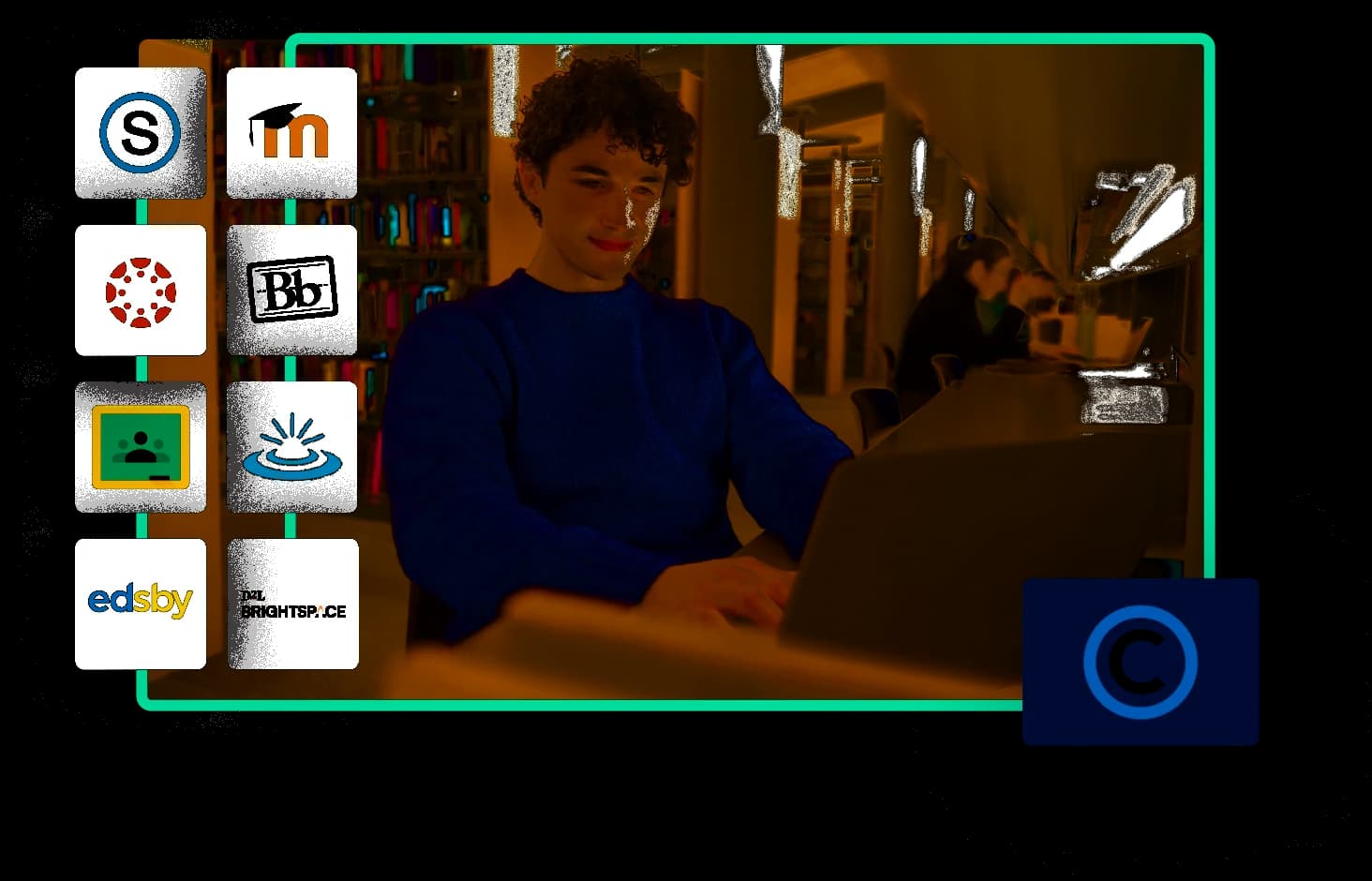
In the case of the Learning Management System, plagiarism can be a huge concern. Copyleaks has incorporated certain features that are perfect for LMS platforms. Copyleaks offers several integrations that are suitable for LMS systems for education, your school, or education institution are working with.
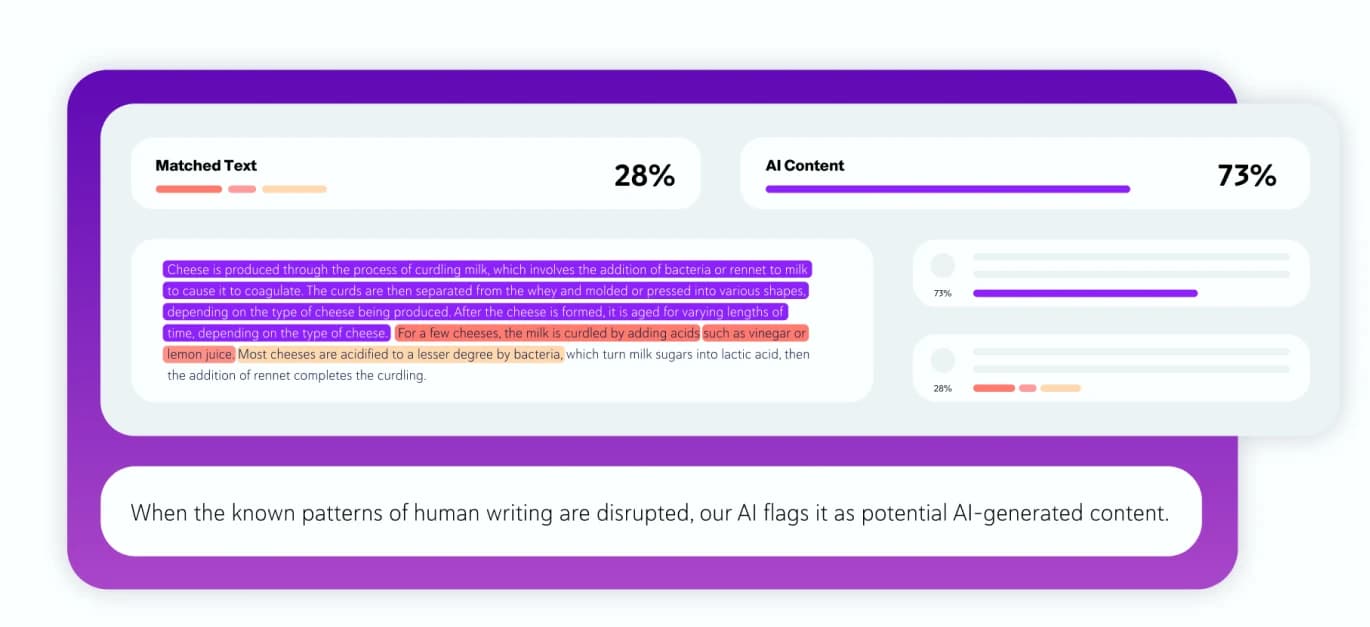
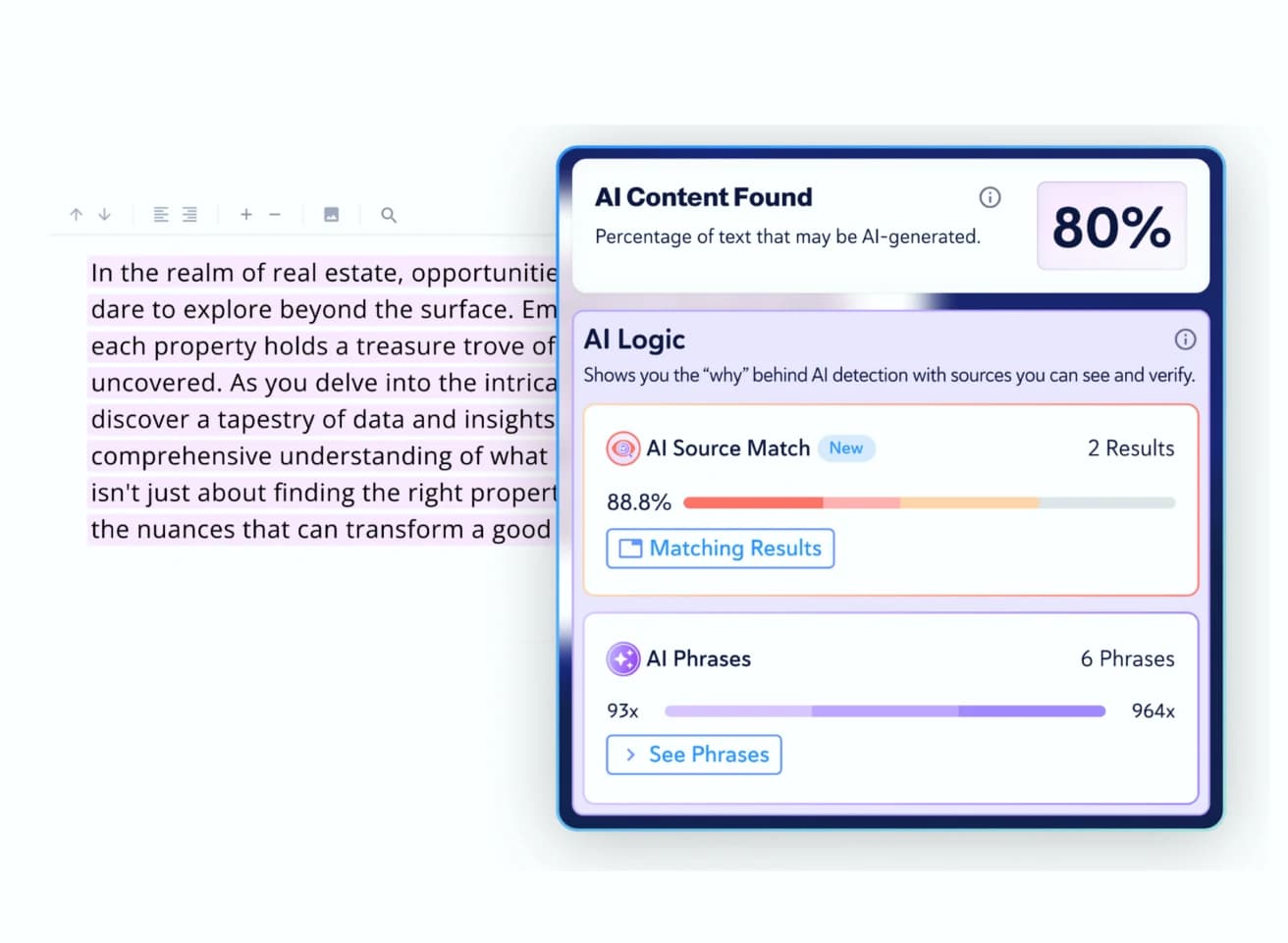
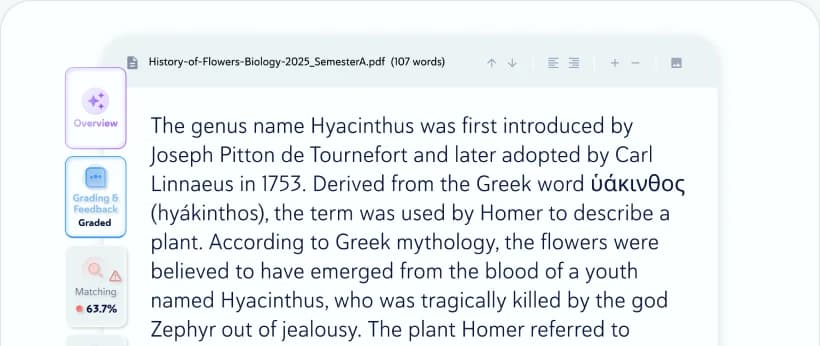
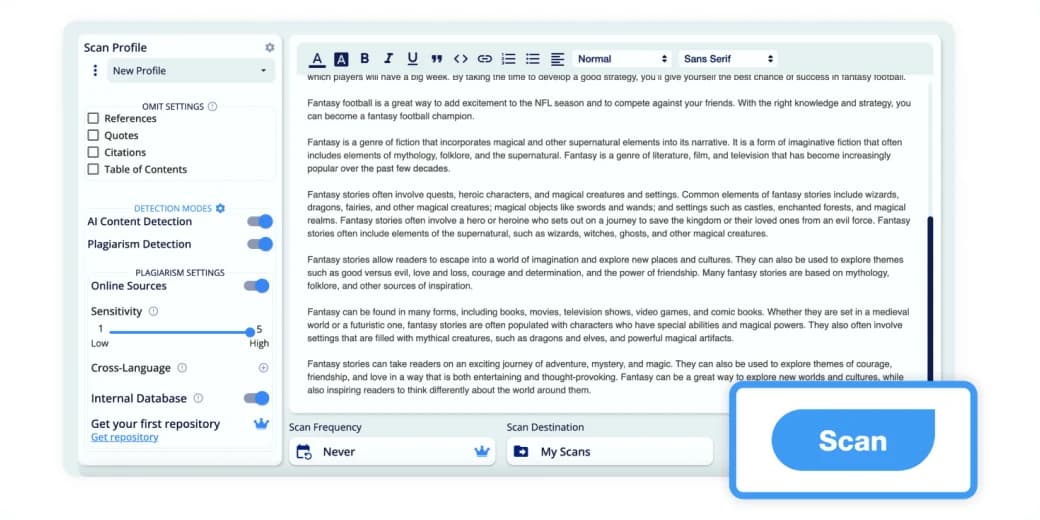
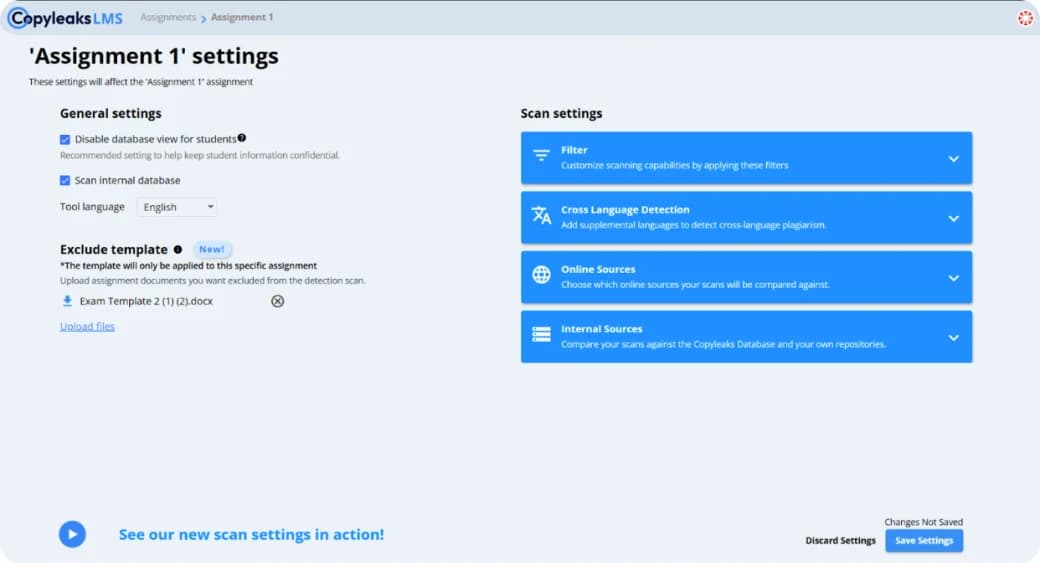
Copyleaks Plagiarism checker is a simple and easy-to-use integration system that thoroughly scans student assignments directly from the platform to check for plagiarism. All submitted projects and research papers can be quickly reviewed from your LMS platforms during the grading procedure. The Copyleaks plagiarism checker will generate a similarity report and detailed result for the educators so that they can check for copied contents present in a research paper or scientific paper.
LMS Platforms
- Moodle: is an online learning platform that provides educators with the chance to create a personalized and structured learning system for the students using a secure and integrated system.
- Canvas: is an LMS platform suitable for both the students and the educators as it makes teaching and learning easier.
- Blackboard: It is a virtual LMS that features course management and allows different integration with student information systems and authentication protocol. It will enable the student to have a secure virtual learning environment.
- Brightspace: Brightspace is an e-learning platform that provides an innovative teaching process and tools for an excellent and unique learning experience.
At Copyleaks, we have come up with LTI-based plagiarism detection, for students. In plagiarism, there’s no place for a second chance, hence, we have to ensure that the students’ future is secure. So, with our API-based integration, we have integrated the above-mentioned LMS so along with other LTI integration, plagiarism check has also become easier.
How do I learn LMS?
- Learning LMS on Moodle: After installing Moodle, you can configure your site. You can create a course as per the requirements and select course-wide settings for a pleasant experience. Moodle course material is a resource or an activity. The activity helps the students to interact with teachers and students. For the resource, the students can view, listen, or read. You can add essential resources like website links, media files, labels, directories of files, etc. The student can add assignments, feedback, and choices, which is a part of the interaction. You can also participate in forums and collaborate with other students. These are the necessary steps to use Moodle. The students can learn Moodle from the free basic courses that aim to teach LMS.
- Learning LMS on Canvas: Canvas LMS helps the schools to build a healthy digital learning environment. Canvas is an open-sourced cloud-based application to help both the teacher and the student. You can download and install Canvas and use it free of charge for as long as you wish. You can create your course based on your requirements.
- Learning LMS on Blackboard: Blackboard is a modern and full-responsive interface, and hence it delivers a powerful teaching and learning environment. For the enrolled students, the course is automatically uploaded to their blackboard account. If any individual registers for attending a class, then they automatically get the course in their account.
- Learning LMS on Brightspace: Using brightspace is easy as the student can quickly log in and learn anywhere, anytime with the developed individualistic services. You can self-enroll on most courses. The recommended browsers are Chrome, Firefox, Safari, and the students can use their standard student username and password.
E-Learning With Copyleaks
A learning management system (LMS) is a platform for educational institutions and work places to use as a training and leaning system. The platform has a variety of features, shares school and company wide updates, hosts information for individual courses, and more. Many teachers give their students assignments that will later be submitted and graded through the LMS platform. Educators are able to use different plugins like Copyleaks Plagiarism Checker for a smoother, more efficient grading process.
E-Learning With Copyleaks
LMS or Learning Management System is a platform for educational institutions of offices to use it as a means of training or educating. It allows the teachers and students to get an environment of learning outside the traditional classroom system. A particular group of learners can be assigned in an LMS for learning and training.
What is a Learning Management System in Education?
LMS system in education, especially, higher education, is gaining popularity nowadays as an alternative learning process for providing the teacher and students with a well-structured teaching and learning environment.
The features of the Learning Management System in education allow the teachers or authority to share updates with the students and employees. It is efficient for school students, and college students as the teacher can give assignments and collect it online. The educators can use it to check the students' projects and grade them after correcting for the unique and plagiarised contents. With the support of Copyleaks, now can one, check for plagiarism in education, with ease.
Advantages of LMS platforms
- Time Efficient and cost-effective: Using an LMS for training and learning in an online classroom, is tremendously time-saving in comparison to the traditional mode of learning. The educational institutions and organizations can arrange a program based on the need of their trainees or students. Since the learners can access the platform anywhere, students from different geographical areas can join the course.
- Management: LMS helps the organization or institution to have complete control over the administration, and hence they can manage the course, notifications, and messages. The institutions can create groups and control the whole procedure based on their requirements. The management of content, used by the teachers becomes easier, and the students can also upload their papers and share content with their fellow learners.
- Easy Access to information: eLearning through LMS enables the institution to organize and streamline their learning content, resources for students related to the course. The online courses provide the students with the chance to draw all the content from a single location and manage it. It makes the content easily accessible for the students.
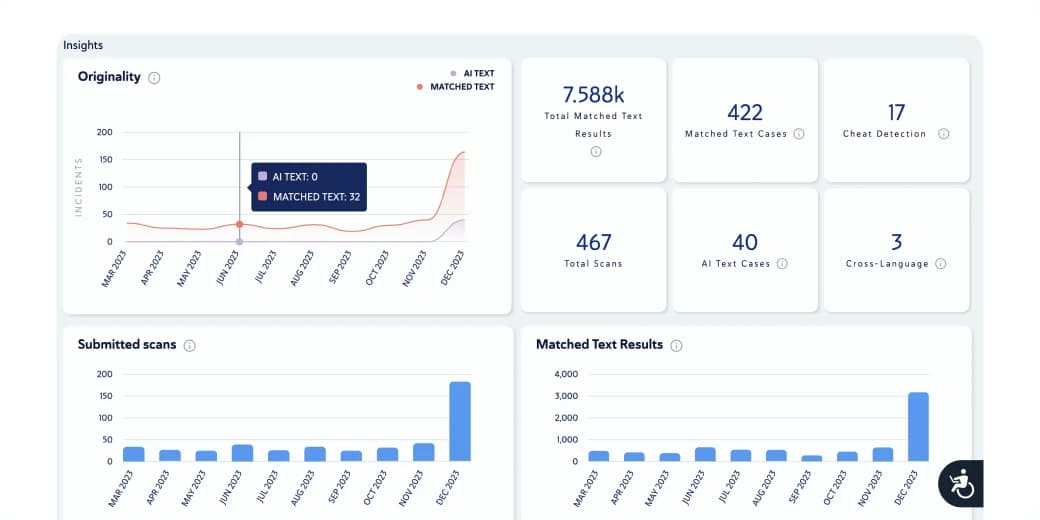
- Tracking, Reporting: The educators can track the students' participation in a class, and they can track their progress as well. The students can find it easy to get analytic about their class and attendance and overall performance. Hence, in the current scenario, eLearning through LMS is the perfect education solution for the students.
What are Common e-Learning Terms?
- Blended learning: It is the mode of learning in which the students use electronic devices to learn, and it combines traditional face-to-face teaching and online learning.
- Microlearning: Micro-learning is an approach that is apt for skill-based education dealing with small learning units.
- Gamification: Gamification technique increases engagement with learning content. It provides the option to add points and badges.
- Informal Learning: Informal learning is a sort of social learning that is done through real-world experience, and it accounts for the 90% education of a person.
- Mobile Responsive Design: It refers to the website design that helps the content fit the screen for any device the user chooses.
- Engagement: This denotes the frequency of a learner’s activity in LMS. The more engagement of a learner means the learner is retaining more knowledge.
- Reporting: The LMS produces a report on learner’s use of the system.
- Integrations: If two software works together to ease the administrative activities and improve the user experience, the procedure is known as Integrations.
- Instructor-led Training: It is a term to denote the traditional mode of learning. When the teacher leads the training, and the learning material is presented in-person. The mode is referred to as Instructor-led Training.
- SCORM: stands for Sharable Object Reference Model. Almost every LMS is SCORM compliant, and hence it is the right way of sharing content. It’s a file format to package the online training material, akin to a CD. It helps to transfer the study material quickly.